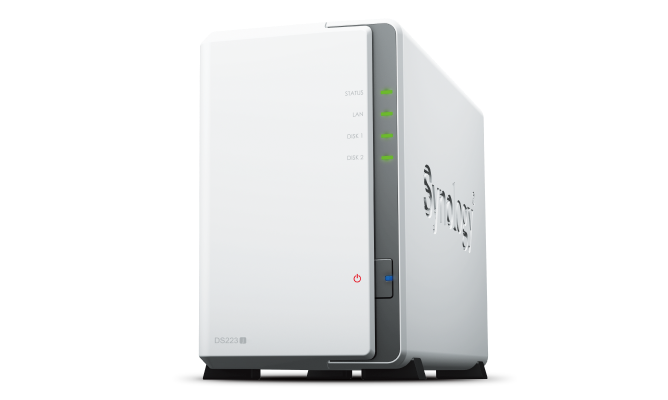
Synology – DiskStation DS223j
- Centralized Data Storage
Consolidate all your data with complete data ownership and multi-platform access - Next-Generation File System
Leverage file self-healing, lightning-fast data snapshots, and rapid data cloning - Secure Sharing and Syncing
Safely access and share files and media from anywhere, and keep clients, colleagues and collaborators on the same page - Simple Data Protection
Back up your media library or document repository to a variety of destinations - Versatile Camera Surveillance
Protect your premises with flexible monitoring tools


Secure private cloud
Anywhere, anytime secure access to all your data.
Data sharing made easy
Streamline teamwork and access to shared files.
Comprehensive data protection
Hardware and software engineered to protect your data — trusted by millions.
Multi-platform file access
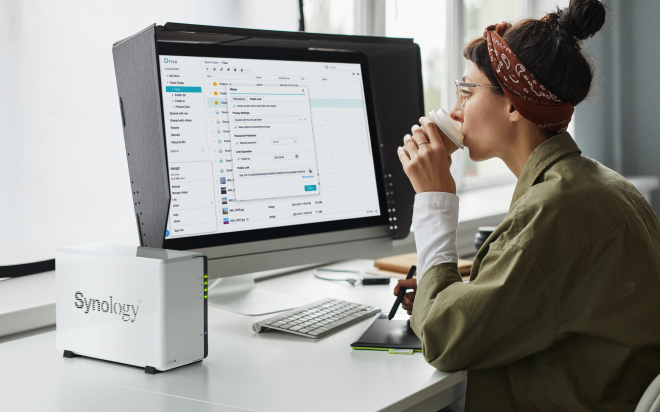
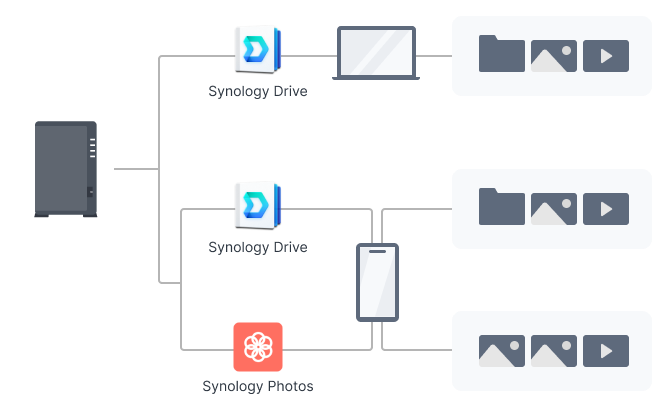
Manage your files and media from anywhere with Synology Drive. Available on PC, Mac, Linux, Chromebook, Android, iOS, or any device equipped with a browser.
Real-time collaboration
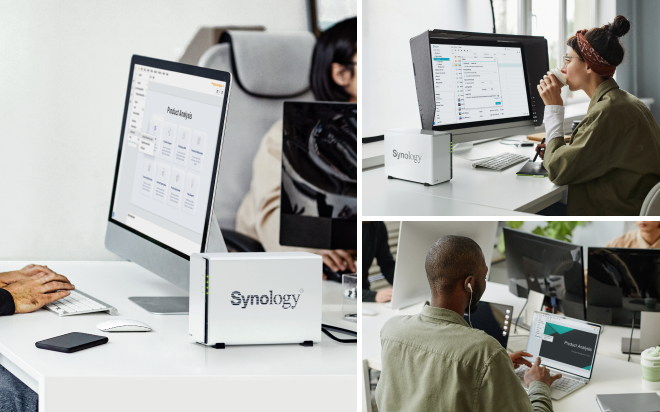
Stay productive while working in a team or with your clients. Work together across different platforms using Synology Office.
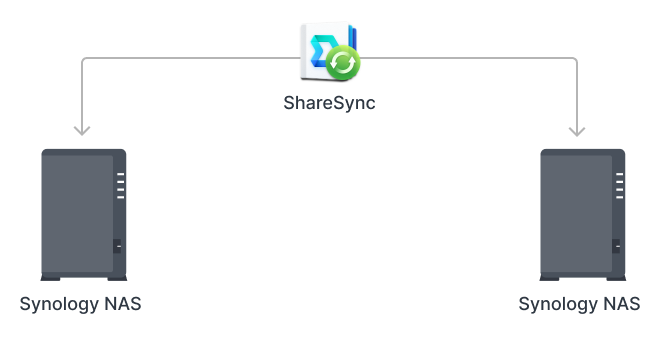
Sync across sites
Keeping data synced between different sites has never been easier. Synology Drive ShareSync keeps files and folders synchronized across Synology systems.
Seamless synchronization to clouds
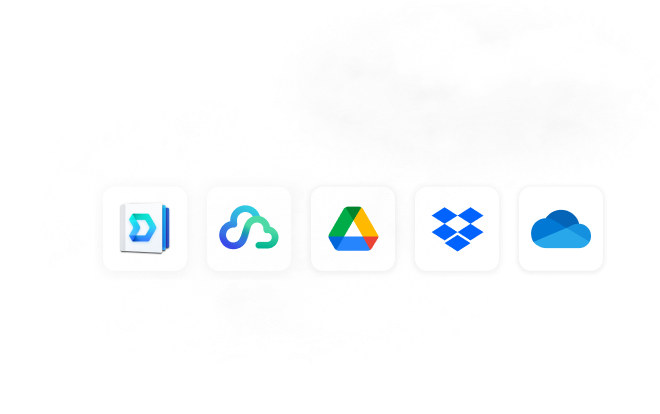
Sync files between your private cloud and public cloud storage platforms, including Google Drive, Dropbox, Microsoft OneDrive, and more with Synology Cloud Sync. Retain local copies of your cloud data to centralize management and achieve data ownership.
Automated media backup
Automatically upload photos and videos taken on your mobile device to your private cloud with Synology Photos or Synology Drive.
Protection against cyberattacks
Leverage Synology Drive to protect data from ransomware attacks or accidental deletion with real-time or scheduled backup of your PC folders.
Add an extra layer of protection
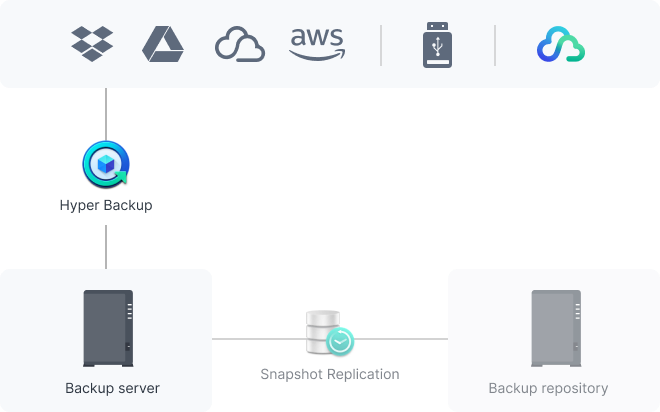
Perform full Synology system backups
Back up your entire Synology device, including system settings and applications, or select specific folders. Transfer all backup data to multiple destinations using Hyper Backup.
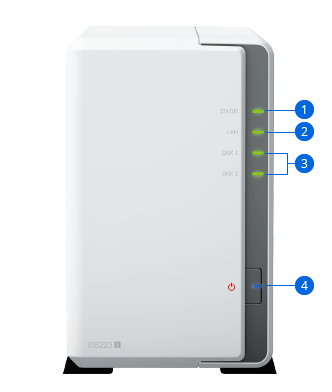
- 1. Status Indicator
- 2. LAN Indicator
- 3. Drive Status Indicators
- 4. Power Button and Indicator
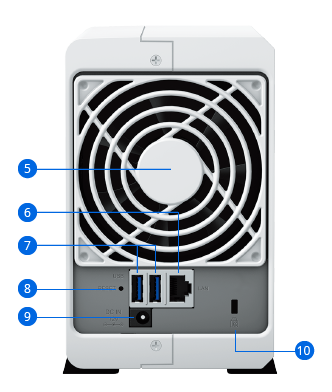
- 5. Fan
- 6. 1GbE RJ-45 Port
- 7. USB 3.2 Gen 1 Ports
- 8. Reset Button
- 9. Power Port
- 10. Kensington Security Slot